Everyday sign-ins
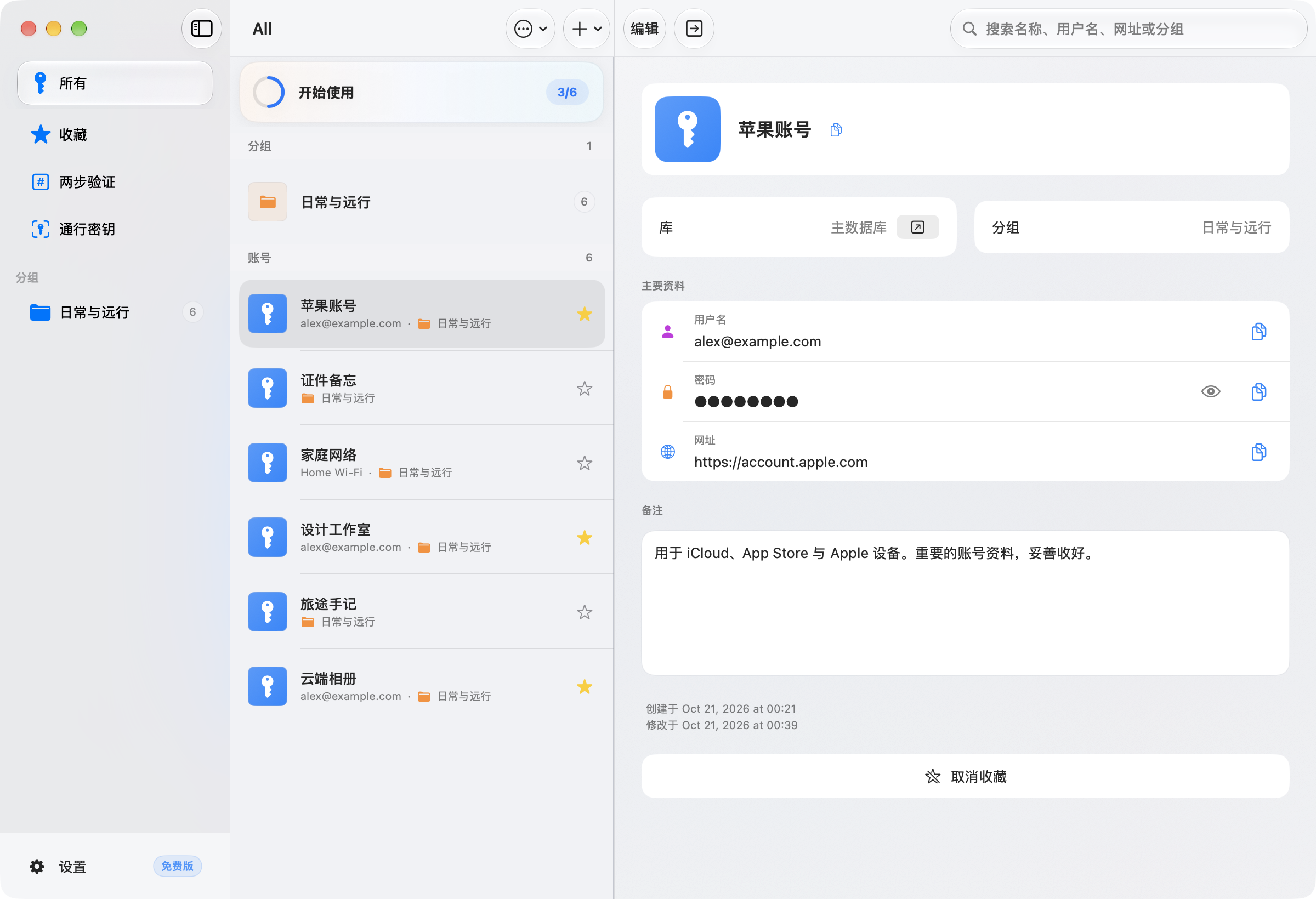
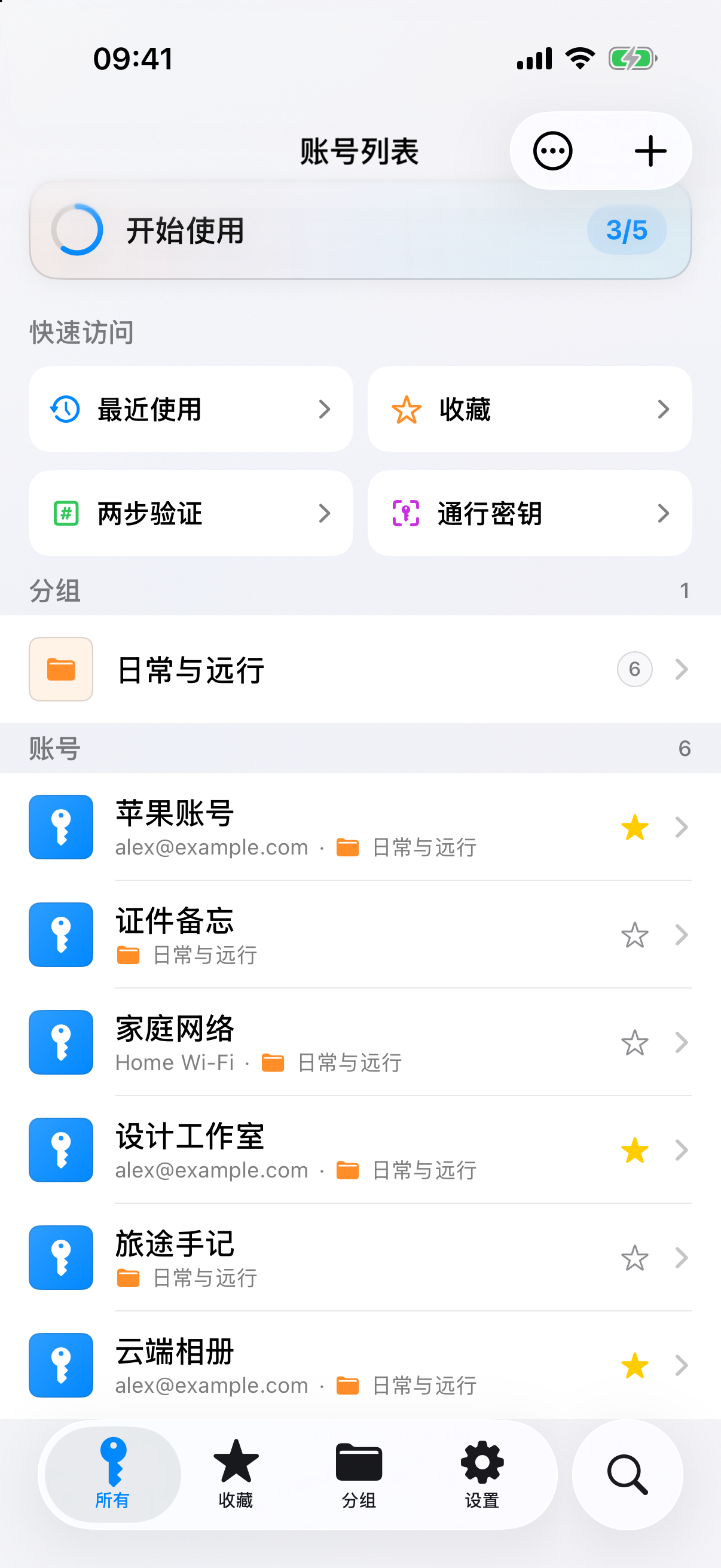
Keep passwords, verification codes and recovery codes together. System password AutoFill on iPhone and iPad makes daily sign-ins easier.
A place for what matters.
From everyday passwords to the documents and recovery details you rarely need. SecretBankX keeps your digital essentials in an encrypted vault you control, designed for iPhone, iPad and Mac.
Designed for iPhone · iPad · native Mac
01 / EVERYDAY ESSENTIALS
Less searching. More peace of mind. Give the important things scattered across photos, messages and notes a place of their own.
Keep passwords, verification codes and recovery codes together. System password AutoFill on iPhone and iPad makes daily sign-ins easier.
Documents, insurance details, travel information and encrypted attachments. Know where to look when life asks for them.
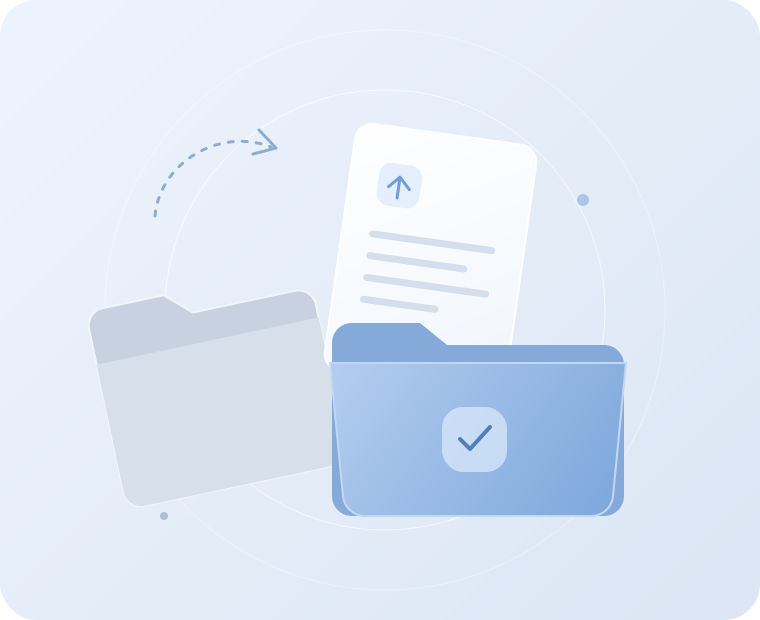
Export, complete backups and recovery help you prepare for a move. Your information should be easy to take with you.
LESS FRICTION
Bring information from another password manager, with sensitive parsing and decryption performed on your device. System AutoFill, password generation and TOTP help with everyday sign-ins and organization.
System AutoFill depends on system settings and support from the destination app or website. Mac provides a native vault experience.02 / YOUR DATA, YOUR CHOICE
Encrypted locally first, synced when you choose. SecretBankX does not operate a server that receives or stores your vault contents, or sell you cloud storage space.
Privacy Policy ↗Use your own iCloud storage.
Choose a system folder or compatible file provider.
You authorize access; the provider operates the service.
Daily sync transfers encrypted changes, recovery snapshots and required attachments. A manually exported complete backup is a separate operation. Storage providers may still receive connection and file metadata.
A WAY BACK
Basic import, export, backup and recovery are free. Keep independent backups and protect your master password; support cannot reset it and decrypt your information.
03 / TOGETHER, BY CHOICE
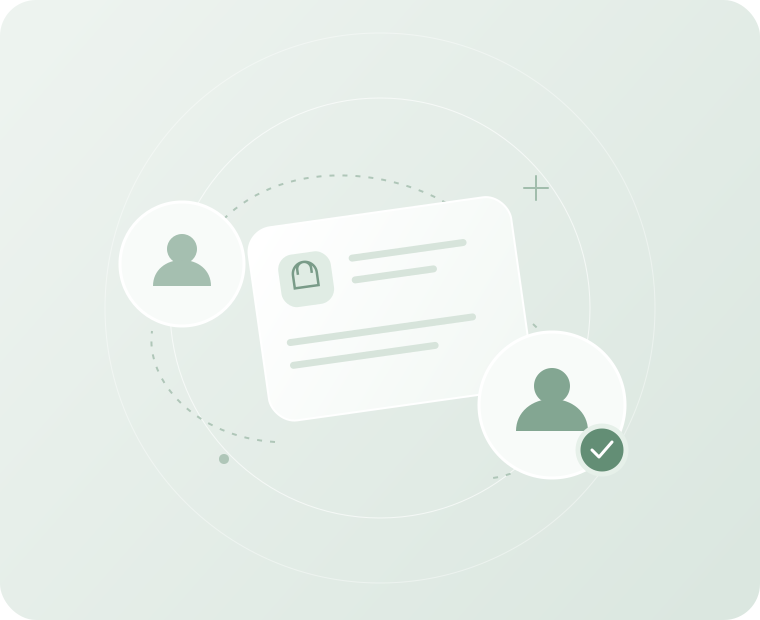
Invite specific people to a shared vault, with owner, editor and viewer roles. Share the information you choose to share.
Apple Family Sharing shares purchase entitlement. Vault access requires a separate invitation and authorization.
04 / SIMPLE CHOICES
Personal and Family Premium have the same features. Choose yearly or lifetime, for yourself or for eligible family members through Apple Family Sharing.
Start safely. Leave freely.
FreeAll Premium features for you.
Everything in Free, plus:
The same features, with purchase entitlement shared through Apple Family Sharing.
Everything in Free, plus:
US base prices in USD, not worldwide prices. Products, local prices, offers and availability are shown in Apple’s purchase sheet. Yearly subscriptions renew automatically; manage or cancel them in Apple Account settings.
If a subscription or Family Sharing entitlement ends, existing items remain available for reading, sync, export, recovery, leaving a vault and essential security maintenance. Only new paid operations are restricted.
SecretBankX is designed for iPhone, iPad and native Mac. System features such as AutoFill depend on the platform, system settings and support from the destination app or website.
We do not operate a server that receives or stores vault contents. Optional sync sends encrypted files to storage you choose. Providers may still process IP addresses, connection and file metadata. Support emails you initiate send your selected message and attachments to the recipient.
Only when you explicitly start a check, the App connects directly to HIBP over HTTPS, sends the first five characters of a password’s SHA-1 hash and matches the response locally. It sends no plaintext password, full hash, username or website. The service can still observe your IP address, prefix and request time. It is not continuous background monitoring.
No. Apple Family Sharing shares purchase entitlement. Vault access still needs a separate invitation and role authorization. Personal Premium can also create shared vaults and invite members; invited members can participate for free within their permissions.
We have no password-reset service that can decrypt your vault. Convenient unlock does not replace the master password needed for a manual full restoration. Protect your master password and keep verified, independent backups.
No. Redacted diagnostics stay on device for up to 30 days and 50 MiB. Selected content leaves only when you export, share or send a support email. Review it first; never include passwords, recovery secrets or vault contents.
If you received a SecretBankX offer code, see what it unlocks and how to redeem it in the App Store or in Sandbox. Read the redemption guide
Local first · Yours to control
Give your essentials a place of their own. Explore how SecretBankX stores, syncs and restores your information.
Contact the developer ↗